Skip to content

Features

Everything you need to run two homes

The schedule, the messages, the money and everything about the children — in one place you both work from. Most of it is in every plan. What is Premium is marked.

Messages

Conversations that stay on topic

Subject-based threads, like email, rather than one endless scroll. Each thing gets its own thread, so each thing gets an answer.

One subject per thread
A question about netball does not end up buried underneath a conversation about school fees. Start a thread with a subject line and it stays about that.
You can see when it was read
The sender sees when a message was first opened. It saves the follow-up asking whether it arrived, and it saves the assumption that it did not.
Attach what you need
Send the invoice, the school notice, the photo of the rash. Images and PDFs, attached to the thread they belong to.
Search that finds things
Across subject and body, filtered by date range or by whether a message had an attachment. Useful the day you need last winter’s uniform receipt.
Nothing that invites conflict
No typing indicators, no reactions, no online presence. Less to read into, and nothing that makes either of you feel watched. Messages also stay as sent, so what is there is reliable.

Subject: Term 3 pickup times

Thread · 4 messages

Alex

Mia’s netball moves to Thursdays from week 3. Pickup would be 4:30 instead of 3:15. Can you take the Thursday run this term?

First opened by Sam · Mon 20 Jul, 7:48 pm


Sam

Thursdays work. I’ll be there at 4:30 from week 3.

First opened by Alex · Mon 20 Jul, 8:04 pm

Messages stay as sent, so you can both rely on what is here.

Tone check and writing assistant

Read it back before they read it

Written in a hurry, a perfectly fair request can land like a complaint — and then you are having a different conversation than the one you wanted. A second opinion, before you send.

Tone checkPremium
On demand, or automatically when a draft looks heated. It rates the draft calm, tense or charged, and points out the specific phrases most likely to be taken the wrong way.
Writing assistantPremium
One tap produces a neutral, businesslike, child-focused rewrite that keeps every factual point and every request you made. Accept it, edit it, or ignore it.
Only you ever know it ran
Results are visible to you alone. Nothing is stored, and your co-parent is never told the tool was used. All they ever see is the message you chose to send.

Calendar

The schedule, and how it changes

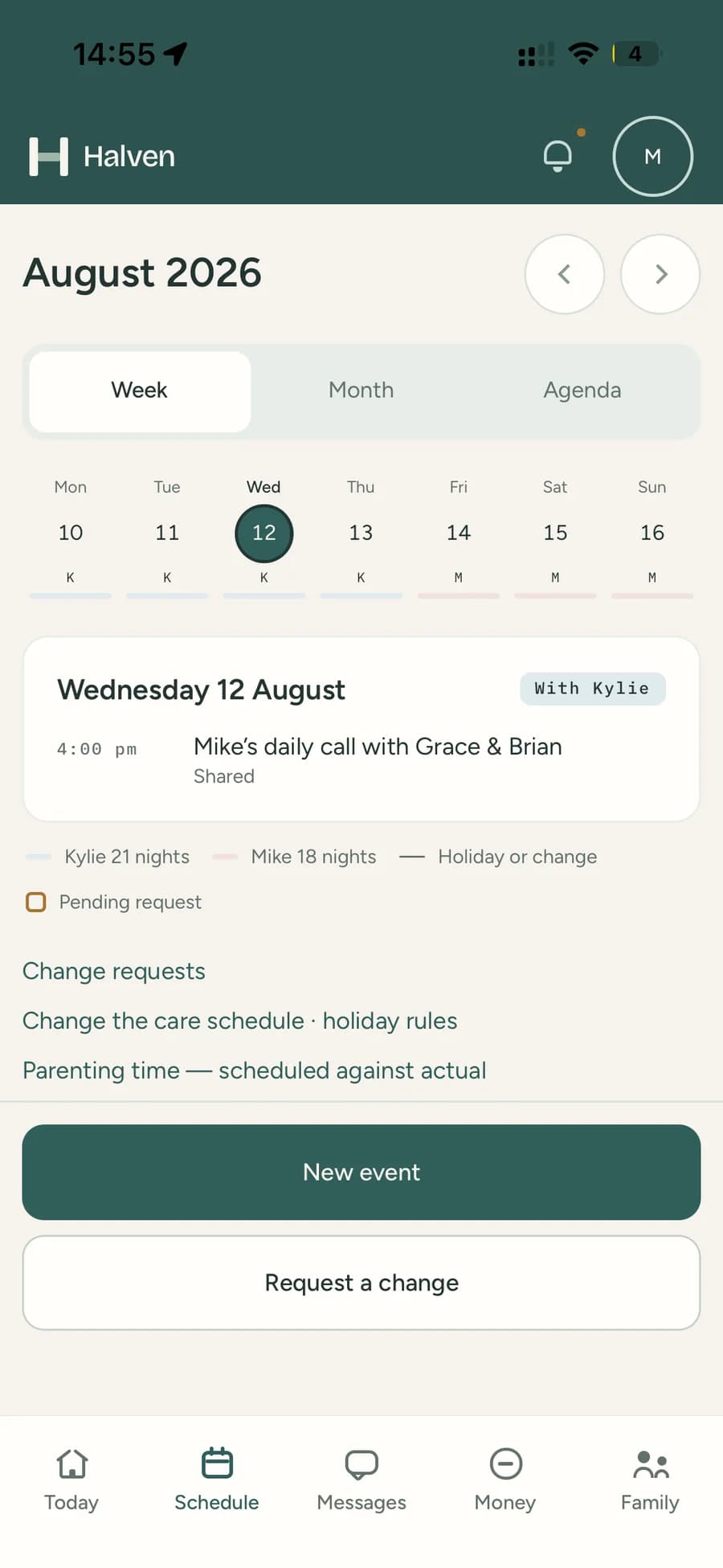
Alternating weeks, 2-2-3, 2-2-5-5, 3-4-4-3, every weekend, or a custom repeating pattern you build. "Where are the kids tonight" is answerable at a glance.

AlexSamExchange2-2-3 · two weeks
Parenting time as a layer
A colour-coded layer across month, week and agenda views, with every handover shown as its own item. Answering "who has them on the 19th" takes a glance.
Holidays and school terms
New Zealand and Australian public holiday and school term dates are already in, plus your own entries. Set Christmas to alternate by year once and it is handled for good.
Ask, agree, and it updates itself
Swap a weekend, offer time, ask for time, or move a handover. Your co-parent says yes or no, and the calendar updates the moment they do — so nobody has to remember what was agreed in a text.
The whole history is there
Every request and every answer stays visible, so "I thought we said the following week" is a thing you can just look up rather than argue about.
Shared or private events
Shared is the default and lets your co-parent know when something is added or moved. Private events stay in your household — not everything needs to be a joint decision.
Sync to your own calendarPremium
Parenting time and shared events appear in the calendar you already use, alongside work and everything else.

July 2026

Alternating weeks


July 2026 parenting time. Alex has 29 June to 5 July, 13 to 19 July and 27 July to 2 August. Sam has 6 to 12 July and 20 to 26 July. Exchanges happen each Sunday at 5pm.
29A
30A
1A
2A
3A
4A
5A
6S
7S
8S
9S
10S
11S
12S
13A
14A
15A
16A
17A
18A
19A
20S
21S
22S
23S
24S
25S
26S
27A
28A
29A
30A
31A
1A
2A
AlexSamExchange, 5:00 pm Sunday

Swap requested

Proposed by Alex · 14 Jul, 8:20 pm

Approved

Gives up

Fri 24 – Sun 26 Jul

Alex’s weekend

Takes instead

Fri 7 – Sun 9 Aug

Sam’s weekend

“Mia’s cousin’s wedding is on the 25th. Happy to swap the following fortnight if that suits.”


  1. Sent to Sam
  2. Approved by Sam

The calendar updated itself as soon as Sam said yes.

Expenses

One list, one agreed split

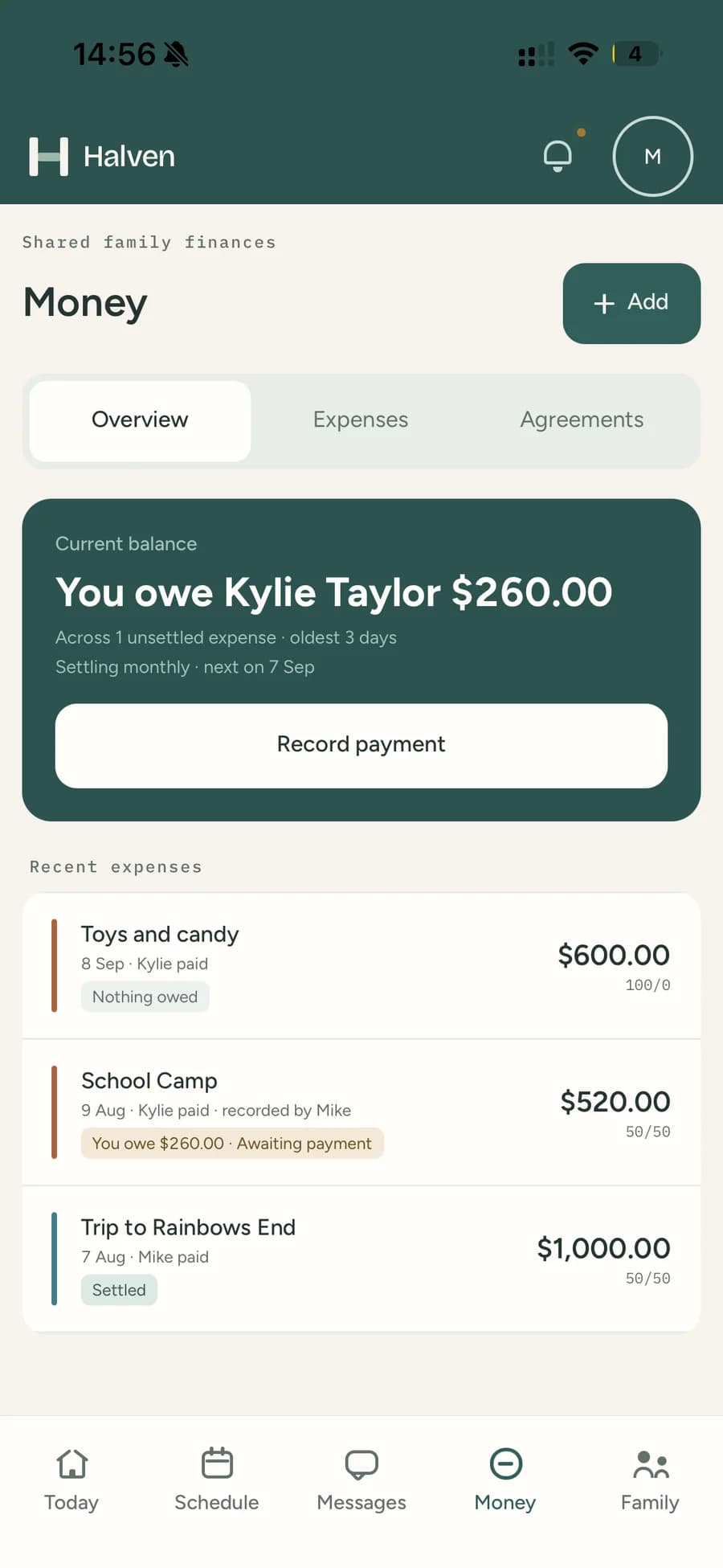
Shared costs cause more friction than almost anything else. Halven keeps a single list, a split you have both agreed to, and a running answer to who owes what.

Payments happen where they already happen — your bank. Halven does not move money. It just keeps track of what is owed and what has been settled.

50/50 by default
Including on day one — any other starting split still goes to your co-parent to agree, so whatever is running has been accepted by both of you.
Category overrides
Medical at 70/30 and everything else at 50/50, if that suits you better. Category splits are part of the same arrangement, so they are agreed the same way.
Changes take both of you
One proposal at a time, and you can withdraw it. Saying no leaves the current arrangement exactly as it was. Saying yes starts the new split from then, or from a date you choose.
It never reaches backwards
Each expense keeps whatever split was agreed when it was added, so you can adjust the arrangement for next term without reopening last term.
One-offs are easy
Set a different split on a single cost when it makes sense — this school trip is on me, this one we halve. Your co-parent agrees to it, unless you are covering the lot yourself.
Ask about it, rather than argue
Query an expense with a note and it opens a thread about that one item, so the question stays attached to the thing it is about. If it turns out not to belong there, it can be voided.
Followed through to settled
Mark it paid, and the other parent confirms it arrived. Several costs can settle as one bank transfer, so you are not making six separate payments.
Running balance and recurring costs
One number, always visible: who owes whom and across how many items. School fees and other repeating costs add themselves on schedule, so nobody has to remember.
Child support log and year-end summaryPremium
Keep support payments separate from shared costs, and get category totals for the Australian or New Zealand financial year, or the calendar year — handy at tax time.

Term 3 school fees

Education · 14 Jul 2026 · Mia

$450.00


Agreed split50 / 50

Alex paid

$450.00

Sam owes

$225.00


  1. Created by Alex
  2. Sam marked as paid
  3. Awaiting Alex’s confirmation

Bank transfer · ref SCHOOL-T3

Journal

Moments and check-ins

The small stuff the other parent would want to know, and a one-tap way to confirm a handover happened without a phone call about it.

MomentsPremium
Short entries with up to ten photos — first day of school, dentist went fine, no fillings. Share them with your co-parent, or keep them to yourself. A missed moment is one of the harder parts of this, and this is a small fix for it.
Check-insPremium
One tap confirms you are where you agreed to be, at the time you agreed to be there. Add a note if there is something worth saying.
Location, only at the tap
The app never tracks you in the background. It only ever knows where you were for the check-ins you chose to make.
How the handover went
Note a scheduled handover as on time, late, or missed. Mostly it is on time and takes a second, and over a term it saves both of you reconstructing anything from memory.
Parenting-time reportsPremium
Overnights by month and year, actual against scheduled. Useful for tax and support paperwork, and for spotting when the pattern on paper has quietly stopped matching real life.

Exchange log

July 2026


  1. Sunday exchange, 5:00 pm

    Checked in by Sam · 19 Jul, 5:02 pm

    On time

    Checked in at the pickup point

  2. Sunday exchange, 5:00 pm

    Checked in by Alex · 26 Jul, 5:34 pm

    Late — 34 min

    “Traffic on the motorway. Messaged at 4:50 to say I’d be late.”

Location is captured at the tap and nowhere else. There is no background tracking and no location history.

Parenting time

1 Jan – 31 Jul 2026 · 212 overnights


Overnights spent with each parent against the number scheduled, 1 January to 31 July 2026.
ParentActual overnightsScheduled overnightsDifference
Alex118106+12
Sam94106-12
Actual overnightsScheduledBuilt from logged exchange outcomes

Calls

Calls, on your terms

Audio and video between parents, without either of you having to hand over a personal phone number.

Reachable, or notPremium
Set yourself reachable or not at any time. Calls only connect when the other person has said they are available, so nothing rings through at a bad moment.
You can see what you missedPremium
Who called, when, how long it ran, and whether it connected. Missed calls let you know, so a call that did not get through does not turn into a misunderstanding.
Recording takes two yesesPremium
Off by default, and it can only be switched on if both parents agree to it. When it is on, both of you see an indicator for the whole call. Nobody is ever recorded without knowing.

Info Bank

Everything about the children, in one place

Filled in once, and available to whoever has the children this week. This is the part people say they wish they had set up sooner.

Medical
Conditions, allergies, medications with dose and schedule, doctors and specialists, immunisations and health numbers — so whoever has them this week is not guessing.
Education and care
School, teacher contacts, timetable, term dates, activities and coaches. Plus clothing and shoe sizes, dietary notes, bedtime routines, and which toy has to come along.
Emergency contacts
An ordered list with relationships, so the babysitter and the hospital are working from the same page you are.
Vault
Passports, birth certificates, your parenting agreement, insurance policies — with per-file visibility so you choose what is shared. 1 GB on free, 5 GB on Premium.
My FilesPremium
A private file space of your own that your co-parent never sees.
Versioned, always
Either parent can update a shared entry, and the other is told when it changes — so a new medication dose does not have to be a separate conversation.

Summaries

Everything written down, whenever you need it

Sometimes you want it all in one tidy document — for your own filing, for tax time, or for someone you have asked to help.

Pick what you needPremium
Messages by thread or date range, the expense list with the agreed splits and what has been settled, calendar and request history, check-ins, the call log, or your journal.
Clear about what is inside
It opens with a page saying what is included and the period it covers, so it still makes sense when you open it again next year.
The same for both of you
Either parent can prepare the same summary for the same period, so neither of you is ever working from a partial picture of your own family.
You both know when one is made
Summaries show up for both parents, so nothing happens quietly on either side.
Bring in someone who is helpingPremium
If you are working with a mediator or a parenting coach, give them read-only access to the parts they need for a set period. Both parents are told, and access ends by itself.

Family summary

Messages

Family
Taylor — 2 parents, 1 child
Included
Messages, all threads
Period
12 March 2026 – 30 June 2026
Prepared for
Alex Taylor
Prepared on
31 July 2026
Contents
284 messages across 11 threads

Reference

HAL-2026-0731-MSG

This summary covers everything in your family for the period above. Both parents can prepare the same one, and both are told whenever a summary is generated.

Page 1 of 39

Every summary opens with a page like this, so it is clear what is inside it.

Start your free trial

Thirty days, on either plan, one subscription for the whole family. Set up the schedule and see how much stops needing a conversation.